
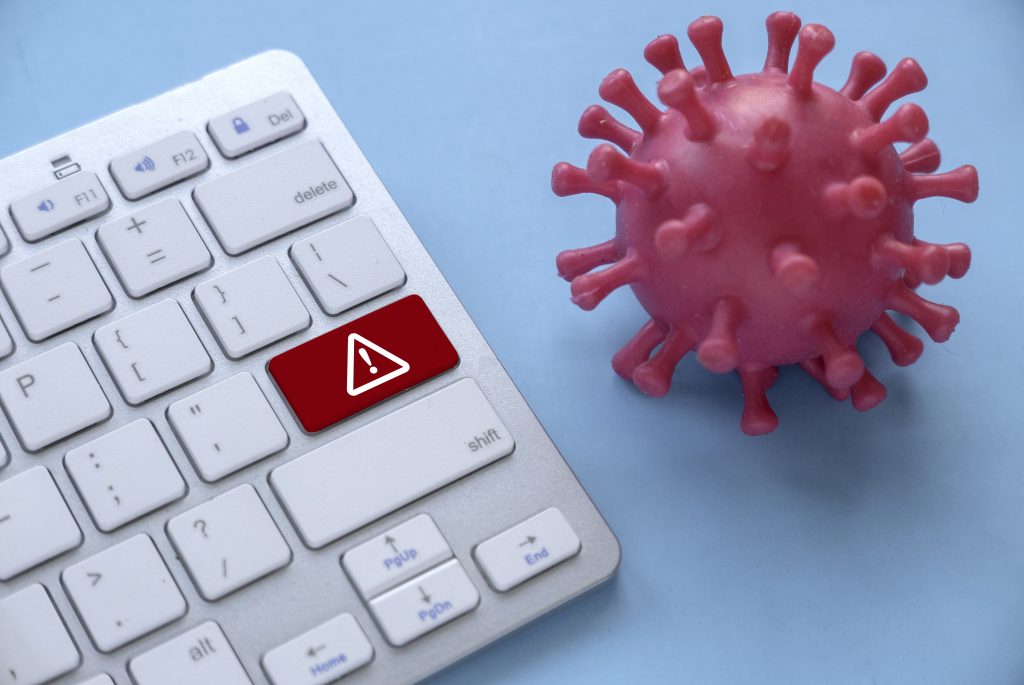
Computers in Murray Bridge face rising infection rates. Bizup IT’s virus & malware removal service delivers fast diagnosis, deep threat eradication, system restoration, and proactive protection—keeping your PC running smoothly.
Understanding Malware and Its Impact
Malware, including viruses, is a significant threat. These malicious programs can cause system slowdowns, data breaches, and financial losses. They can also compromise your privacy and system stability, requiring targeted removal strategies.
In this guide, you’ll learn:
- Key differences between viruses and malware
- How to spot infection signs before data loss
- Bizup IT’s four-step removal process in Murray Bridge
- Reasons locals trust Bizup IT’s reliable support
- Common threats—ransomware, spyware, trojans—and how we handle them
- Practical prevention tips and local antivirus recommendations
- Answers to the top questions and how to book your service
Understanding Viruses and Malware: Identifying and Removing Threats
Computer threats fall into two broad categories that target software and data integrity.
What Is a Computer Virus and How Does It Affect Your Device?
A computer virus is self-replicating code that attaches to legitimate files, spreading when you open infected documents. This mechanism can corrupt programs, delete files, and even prevent Windows from starting. For example, a macro virus in a spreadsheet might overwrite critical data and spread through network shares, halting productivity.
What Is Malware? Types Like Ransomware, Spyware, and Trojans Explained
Malware is any malicious software designed to harm or exploit devices. Common types include:
- Ransomware: Encrypts your files and demands payment for their release.
- Spyware: Secretly monitors your activity and steals your login credentials.
- Trojan: Disguises itself as helpful software to grant unauthorised access to your system.
How Do Viruses and Malware Spread in Murray Bridge?
Local infection vectors include:
- Downloading cracked software from unverified sites
- Opening phishing emails that impersonate regional businesses
- Connecting infected USB drives from shared computers
Understanding these common ways malware spreads helps you reduce your risk before you even need professional cleanup.
How Can You Tell If Your Computer Is Infected with a Virus or Malware?
Quick detection can prevent irreversible damage—know the signs early.
What Are the Common Signs of Virus and Malware Infection?
Common Signs of Infection
Several symptoms can indicate a computer virus or malware infection, including slow performance, frequent pop-ups, and system crashes. These signs often appear together, suggesting deeper infections that might need professional attention.
How Does Malware Affect Computer Speed and Data Security?
Malware often consumes your computer’s processing power and memory, slowing down applications and potentially risking your data. Spyware can capture your keystrokes and personal details, while ransomware can lock your documents. Detecting unusual resource spikes in Task Manager can often point to hidden malware processes.
When Should You Seek Professional Virus Removal Services?
If infections cause repeated crashes, encrypt your data, or significantly slow down your network, it’s crucial to get expert help immediately. Trying to remove infections yourself can sometimes leave behind remnants that allow the threats to return. A certified technician can prevent further damage and restore your system’s health more effectively.
What Is Bizup IT’s Virus and Malware Removal Process in Murray Bridge?
Bizup IT applies a proven, four-step service process to protect your computer.
How Does Bizup IT Diagnose and Isolate Computer Infections?
Our technicians start by discussing any error messages or recent downloads with you. Then, they disconnect your device from the internet to contain any threats and prevent them from spreading to other devices on your network.
What Happens During the Deep Scan and Threat Eradication Stage?
Using advanced tools, Bizup IT performs comprehensive scans of all system areas. Detected threats—viruses, trojans, and spyware—are carefully quarantined and removed. This precise strategy ensures that no malicious code remains active on your system.
How Does Bizup IT Restore and Optimise Your System After Removal?
After cleaning your system, our technicians repair any corrupted files, reinstall essential updates, and optimise your storage. We also validate system restore points and backups to ensure your data remains intact. We then fine-tune startup processes and services to restore your computer to its peak performance.
What Proactive Protection Does Bizup IT Recommend to Prevent Future Infections?
To reinforce your computer’s security, we recommend:
- Install reputable antivirus software with real-time protection.
- Enabling automatic system and application updates.
- Regularly back up your critical data to external drives or cloud storage.
- Use strong, unique passwords and enable multi-factor authentication where possible.
Proactive Protection Measures
To protect against malware, it’s a good idea to install reliable antivirus software, keep your systems updated, back up your important files regularly, and use strong passwords. Choosing the right antivirus solution balances effective threat coverage with minimal impact on your computer’s performance.
These measures help fortify your computer against emerging threats.
Why Should Murray Bridge Residents Trust Bizup IT for Virus and Malware Removal?
Our local expertise and commitment set Bizup IT apart in Murray Bridge’s tech support landscape.
What Makes Bizup IT’s Virus Removal Service Reliable and Affordable?
Bizup IT offers clear, competitive pricing for our services. We stand by our work, ensuring you receive dependable support for your computer security needs.
How Does Bizup IT Support Both Walk-In and Remote Customers?
For immediate assistance, you can visit our Murray Bridge store during opening hours. We also offer remote access services seven days a week, allowing our technicians to secure your PC from anywhere in Australia without disrupting your schedule.
What Kind of Support and Service Guarantees Does Bizup IT Offer?
Every removal service includes:
- Clear turnaround time estimates, typically within 24–48 hours.
- Free follow-up support to confirm your system is stable after our service.
These commitments are designed to build trust and ensure your satisfaction.
What Do Local Customers Say About Bizup IT’s Virus Removal Expertise?
Residents often praise Bizup IT for our quick service and friendly support. Many have shared how we’ve helped them get back to work quickly, highlighting our community focus and technical skill.
What Are the Most Common Malware Threats in Murray Bridge and How Does Bizup IT Handle Them?
Understanding local threat patterns helps us provide targeted defences.
How Does Bizup IT Remove Ransomware and Protect Your Data?
Bizup IT uses specialised tools and secure backup methods to help restore your files if they’re affected by ransomware. We work to ensure your data is recovered safely and verify that no hidden threats remain after the cleanup.
What Is Spyware and How Is It Eliminated by Bizup IT?
Our technicians can identify and terminate spying processes that compromise your privacy. We then help you reset affected passwords and restore your system’s privacy settings, safeguarding your personal information.
How Are Trojans and Other Malware Types Detected and Removed?
By combining up-to-date threat databases with advanced scanning techniques, Bizup IT can locate and remove trojans that often disguise themselves as legitimate programs. We clean up system entries to prevent reinfection.
How Can You Protect Your Computer from Viruses and Malware in Murray Bridge?
Developing good habits can help keep threats at bay between professional cleanups.
What Are the Best Antivirus Software Options Recommended Locally?
Many residents choose reliable options like:
- Bitdefender: Known for high detection rates and minimal impact on computer speed.
- Kaspersky: Offers strong protection against phishing and frequent updates.
- Windows Defender: A convenient, built-in option with ongoing support from Microsoft.
What Online Safety Tips Help Prevent Malware Infections?
Practice these safe habits:
- Always verify email senders before opening attachments.
- Download applications only from official vendor websites.
- Avoid using public Wi-Fi for sensitive logins unless you’re using a VPN.
- Disable macros in Office documents by default to prevent malicious code execution.
This disciplined approach helps block common infection pathways.
How Does Regular Computer Cleanup Improve Security and Performance?
Routine maintenance, such as disk cleanup, temporary file removal, and system checks, can free up storage space and reduce system errors. A well-maintained system is less prone to slowdowns and easier to scan, boosting both security and productivity.
What Are the Frequently Asked Questions About Virus and Malware Removal in Murray Bridge?
Clients often ask how removal works, what its limitations are, and when to choose remote versus in-person support.
How Do I Remove a Virus from My Computer for Free?
Free tools like Malwarebytes Free and Windows Defender Offline can help remove basic threats. However, they might not catch more complex infections. Professional services ensure a more thorough cleanup.
Can Malware Be Completely Removed from My Device?
Yes, professional removal can eliminate active malware. Our four-step process is designed to ensure no residual malicious code remains on your system.
How Do I Know If My Computer Has a Virus or Malware?
Watch for signs like slow performance, unexpected pop-ups, or disabled security settings. A combination of these symptoms often indicates an infection, so it’s best not to delay seeking a diagnosis.
When Should I Choose Remote Support vs. In-Person Repair?
Remote support is great for software issues and minor infections. For malware that might be linked to hardware problems or for severe data corruption, visiting our Murray Bridge store ensures direct access to diagnostic tools and secure handling of your data.
How Can I Book a Virus Removal Service Online or In-Person?
You can book your service through the secure portal on Bizup IT’s website or simply drop by our store during business hours. Online bookings confirm your appointment quickly and provide service estimates.
What Should I Expect During My First Visit or Remote Session?
A technician will discuss your computer issue, explain our four-step removal plan, and provide a cost estimate. Remote sessions begin with establishing a secure connection and conclude with a review of the completed work and any optimisations performed.
Ready to Secure Your System?
Don’t let malware slow you down. Contact Bizup IT today for expert virus and malware removal services.
Experience worry-free computing today with Bizup IT’s expert virus & malware removal in Murray Bridge. Whether you visit us in person or connect remotely, your system is in qualified hands—protected, optimised, and supported by our commitment to excellent service.