
Your Go-To for Reliable Virus & Malware Removal in Griffith
Viruses and malware can lock down your files, steal sensitive data, and cripple your device’s performance, making swift, professional removal essential for both homes and businesses. Bizup IT offers expert virus and malware removal services right here in Griffith, with convenient in-store and secure remote support options to get your devices back up and running quickly and affordably. Discover the types of threats we tackle locally, our methodical removal process, why Bizup IT is your best choice, strategies for staying protected, clear pricing and booking details, how to access our local services, and real success stories from our clients. Explore our Local Malware Cleanup Services to secure your digital world today.
Keeping Up with Cybercrime Trends in Australia
Australia is facing a significant uptick in cybercrime, with attacks targeting government bodies, financial institutions, and businesses becoming increasingly common. Common threats like phishing scams, data breaches, and ransomware attacks are eroding trust in digital services and impacting our nation’s security and economic well-being.
This insight highlights the growing cybercrime landscape in Australia and the prevalent attack methods we’re seeing.
What Kinds of Viruses and Malware Do We Tackle in Griffith?
Understanding the diverse range of malicious software underscores the importance of comprehensive removal services for your device’s health and your data’s security.
What Exactly Is Ransomware, and How Do We Get Rid of It?
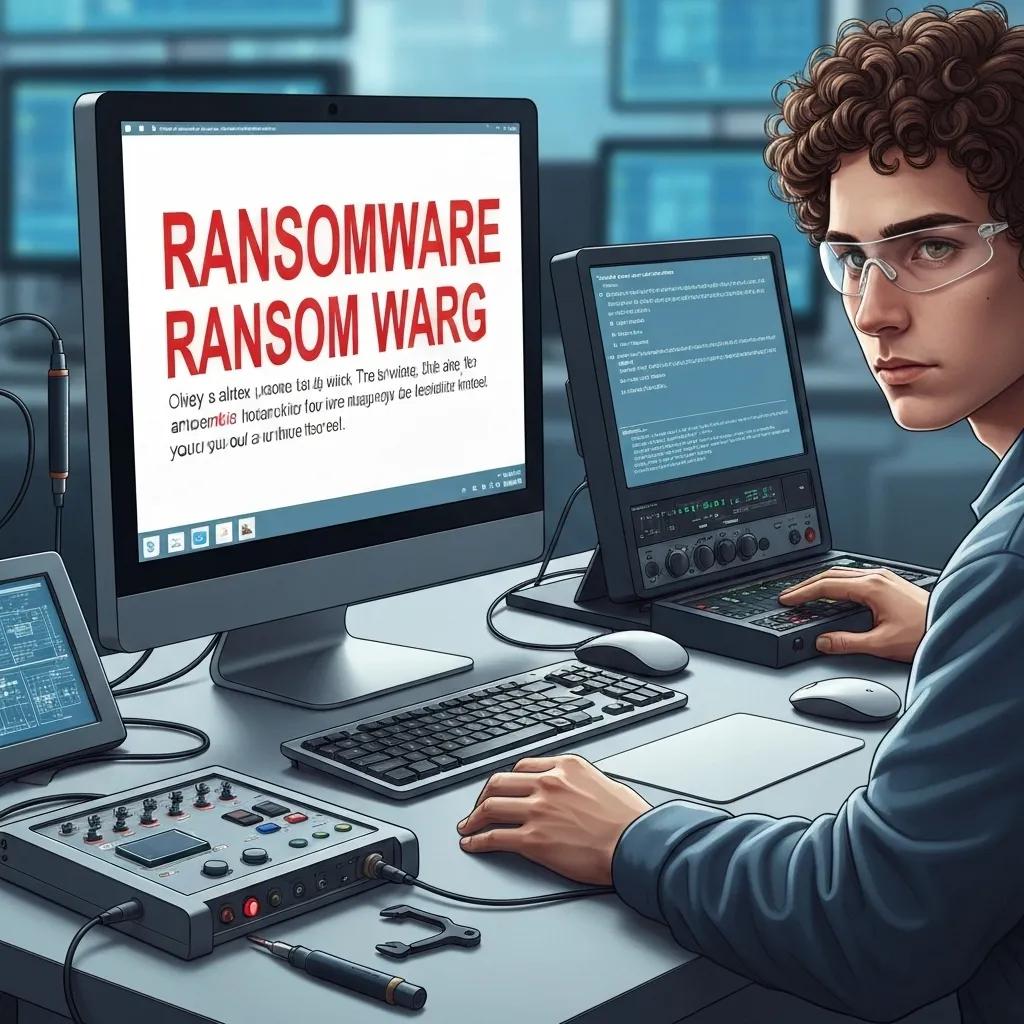
Ransomware encrypts your files and demands payment for their release. Bizup IT employs advanced decryption tools, isolates threats, and utilises secure backups to recover your data without giving in to extortion.
Watch out for these common ransomware signs:
- Files Locked Up – Your documents become inaccessible due to encryption.
- Ransom Demands – Pop-up messages appear, requesting payment, often in cryptocurrency.
- Strange File Extensions – Your files might be renamed with unfamiliar suffixes.
- Security Tools Disabled – Your antivirus software may be deactivated by the malware.
These indicators help us pinpoint the problem and apply the right solutions, paving the way for tackling hidden threats like Trojans and rootkits.
Ransomware’s Impact on Australian Businesses
A substantial number of Australian businesses have fallen victim to ransomware attacks. In 2023 alone, a staggering 69% of Australian businesses reported experiencing a ransomware attack, with the average ransom payment reaching approximately AUD 1.3 million.
This statistic clearly illustrates the widespread impact and financial burden of ransomware on businesses across Australia.
How Do Trojans, Rootkits, and Spyware Affect Your Devices?
Understanding the nuances of these deep-system threats highlights why a multi-layered detection approach is crucial.
Each of these stealthy threats requires specialised tools and expertise, preparing us to handle deceptive phishing attempts and intrusive adware next.
How Can You Spot and Avoid Phishing Scams and Adware?
Learning to recognise phishing attempts and how adware gets installed empowers you to prevent infections and unwanted advertising. Here are some essential preventative measures:
- Always double-check sender email addresses and examine email headers before clicking any links.
- Hover your mouse over URLs to confirm they lead to legitimate websites and avoid deceptive variations.
- Install reputable ad-blocking browser extensions to stop intrusive pop-ups.
- Activate multi-factor authentication on your accounts to minimise damage if your login details are compromised.
Navigating Phishing Scams and Staying Safe
Phishing attacks pose a significant risk, with AI-powered phishing attempts on the rise in Australia during 2023, making the country a prime target globally. To steer clear of phishing scams, it’s vital to verify sender details, scrutinise email headers, and resist the urge to click on suspicious links.
This guidance reinforces the importance of vigilance against phishing attacks and effective prevention strategies.
Implementing these practices significantly reduces your vulnerability to social engineering tactics and helps you spot early signs of infection.
What Are the Usual Signs of a Virus or Malware Infection?
Catching infections early can prevent data loss and minimise downtime. Keep an eye out for these common warning signs:
- Your system starts up slowly, and applications run sluggishly.
- Your computer frequently crashes, freezes, or displays blue screen errors.
- You encounter unexpected pop-up ads or your browser gets redirected without your input.
- There are unexplained spikes in your data usage or network activity.
- Your antivirus software is disabled or unresponsive.
Recognising these alerts promptly is the first step towards professional removal and system optimisation.
How Does Bizup IT Handle Virus and Malware Removal in Griffith?
Bizup IT’s approach combines precise diagnostics, cutting-edge cleaning tools, and system restoration to ensure your devices perform at their best.
What Are the Stages of Our Virus and Malware Removal Process?
Our detailed, step-by-step removal process guarantees a thorough cleanup and helps prevent reinfection:
- Initial System Scan – We run both automated and manual scans to identify all active threats.
- Threat Isolation – Infected files are quarantined to stop them from spreading further.
- Malware Eradication – We use specialised tools to eliminate viruses, spyware, and rootkits.
- System Optimisation – Temporary files are cleared, and registry entries are repaired for smoother operation.
- Post-Removal Verification – Final scans confirm that your system is completely clean.
Best Practices for Effective Malware Removal
To effectively remove malware, it’s crucial to disconnect from the internet, perform a comprehensive system scan with reliable antivirus software, and back up your important data.
This advice outlines the essential steps for successful malware remediation and protecting your digital assets.
This complete process concludes with data recovery and the implementation of preventative measures for full device restoration.
How Do Our Local and Remote Support Options Work for Griffith Customers?
You can bring your devices directly to our Griffith store for walk-in service, or if you’re anywhere in Australia, you can opt for remote assistance. We also offer on-site support for businesses that require hands-on intervention. Our remote sessions utilise secure screen-sharing software, allowing us to diagnose and remove threats without you needing to transport your hardware, offering both convenience and rapid response.
What Data Recovery Solutions Are Available After Malware Attacks?
If your system has suffered a severe infection, Bizup IT employs advanced data recovery techniques, including file carving, shadow copy restoration, and cloud backup retrieval, to bring back your lost documents and media. Our technicians carefully assess compromised storage, extract salvageable data, and securely transfer it, minimising any disruption to your business operations.
How Do We Optimise Your System After Virus Removal?
Once threats are removed, we enhance your system’s resilience and performance by updating your operating system, installing critical security patches, configuring robust antivirus protection, and fine-tuning startup processes. This optimisation helps prevent future infections and ensures your devices run smoothly under everyday use.
Why Entrust Bizup IT for Virus and Malware Removal in Griffith?
Bizup IT combines local understanding, straightforward pricing, and quick service to be the trusted IT partner for communities across regional Australia.
What Experience and Qualifications Do Our Technicians Hold?
Our team consists of technicians with over a decade of specialised experience in cybersecurity and computer repair. They are certified in industry-standard removal tools and benefit from ongoing training, enabling them to accurately diagnose complex infections and apply proven cleaning methods.
How Do We Guarantee Fast, Affordable, and Transparent Service?
Bizup IT offers competitive pricing for our removal plans, with clear breakdowns of services and absolutely no hidden charges. We provide assessments so you know exactly what to expect before you commit.
What Do Our Griffith Customers Say About Our Virus Removal Services?
How Can You Shield Your Devices from Future Virus and Malware Threats?
Implementing proactive security measures significantly reduces the risk of infection and helps extend your devices’ lifespan.
Which Antivirus Software Do We Recommend for Griffith Residents?
We highly recommend trusted antivirus applications such as Bitdefender, Malwarebytes, and Microsoft Defender. Each of these offers real-time scanning, automatic updates, and robust ransomware protection.
Our Top Antivirus Software Picks
We highly recommend trusted antivirus applications such as Bitdefender, Malwarebytes, and Microsoft Defender. These solutions provide real-time scanning, automatic updates, and effective ransomware shields.
What Are the Key Internet Security Tips for Local Users?
Adopting strong security practices includes:
- Use unique, strong passwords or passphrases and store them securely in a password manager.
- Enabling two-step verification for your email and financial accounts.
- Avoid public Wi-Fi for sensitive transactions, or use a VPN for encrypted connections.
- Regularly clearing temporary files and browser caches helps prevent adware infections.
Making these habits part of your routine strengthens your defence against phishing, credential theft, and malicious downloads.
How Crucial Are Software Updates and Patch Management?
Keeping your operating system and applications updated is vital for closing security loopholes that malware exploits. Patch management automates this process, ensuring your devices remain protected against newly discovered vulnerabilities and reducing the overall attack surface.
What Are Smart Data Backup Strategies to Prevent Data Loss?
We recommend a three-tiered backup strategy:
- Local Backups – Utilise external hard drives for incremental data snapshots.
- Off-Site Backups – Employ cloud storage solutions like Azure or Google Drive for remote copies.
- Version Control – Maintain multiple historical versions of your files to recover from ransomware attacks effectively.
Regularly checking that your backups are intact ensures your data remains accessible, even after a severe infection.
What Are the Costs and FAQs for Virus & Malware Removal in Griffith?
We believe in transparent pricing and clear information to help you make informed decisions.
How Much Does Virus and Malware Removal Typically Cost in Griffith?
Our removal services are affordably priced, with options to suit various needs. The final cost depends on the complexity of the infection and your device’s specifications, with no hidden charges.
Can I Remove a Virus Myself, or Is Professional Help Better?
While basic antivirus scans can handle minor threats, we strongly recommend professional removal for ransomware, rootkits, and deep-system infections to prevent data loss and ensure complete eradication.
How Long Does Virus Removal Typically Take?
Standard removal and optimisation usually take a few hours. More complex infections requiring decryption or extensive data recovery might take a bit longer, depending on the device’s condition and backup availability.
How Can I Tell If My Computer Has a Virus or Malware?
Common signs include unexpected pop-ups, a noticeable slowdown in performance, unauthorised software appearing, and your security tools becoming disabled. A diagnostic scan from Bizup IT can provide definitive confirmation and a thorough risk assessment.
What’s the Best Way to Book Virus Removal Services with Bizup IT?
You can call our Griffith store directly or request a booking online through our website. Walk-in appointments are always welcome during business hours, and we can schedule remote sessions for after-hours support.
Where Is Bizup IT Located, and How Can You Access Our Virus Removal Services in Griffith?
Our local presence means regional Australians can get fast, hands-on or remote assistance when they need it most.
What Are Our Griffith Store Hours and Contact Details?
Bizup IT Griffith is open Monday to Friday from 9 am to 5 pm, and on Saturdays from 9 am to 1 pm. You can visit us at Central Plaza Griffith or call us at 02 6962 2447 to arrange service.
How Does Remote Virus Removal Support Work Across Regional Australia?
Our remote support utilises secure screen-sharing software, allowing us to diagnose and remove malware without needing to physically handle your device. You’ll download a small, secure client, and our technicians will guide you through the cleanup process step-by-step.
How Can You Visit Us or Request Support Online?
You’re welcome to visit our Griffith location for walk-in service, or you can submit a support request online via our website. We’ll send email confirmations and updates on technician availability to ensure a smooth support experience.
Where to Find Bizup IT's Virus Removal Services in Griffith
Our real-world case studies demonstrate our expertise in handling complex infection scenarios.
How Did Bizup IT Rescue a Griffith Small Business from a Ransomware Attack?
When a local café’s point-of-sale system was hit by ransomware, Bizup IT quickly isolated the infected machines, used specialised tools to decrypt critical files, and restored operations within 24 hours, safeguarding their revenue and reputation.
What Are the Current Malware Trends Affecting Griffith Residents?
Recent threats we’re seeing include adware targeting mobile devices, sophisticated phishing campaigns disguised as workplace communications, and new ransomware variants designed to bypass basic antivirus software. Staying informed about these trends is key to our proactive protection advice.
How Does Bizup IT Stay Ahead of Emerging Cybersecurity Threats?
Our technicians actively monitor alerts from the Australian Cyber Security Centre, industry publications, and threat intelligence feeds. Through continuous training in the latest removal techniques, we ensure we can swiftly counteract even the most advanced malware.
Bizup IT’s unique blend of local knowledge, transparent pricing, and proven technical expertise makes virus and malware removal in Griffith both reliable and stress-free. Whether you need in-store assistance, on-site support for your business, or remote cleanup services, our expert team is ready to restore your device’s health with speed and integrity. Contact Bizup IT today to secure your data, boost performance, and protect yourself against future threats.