
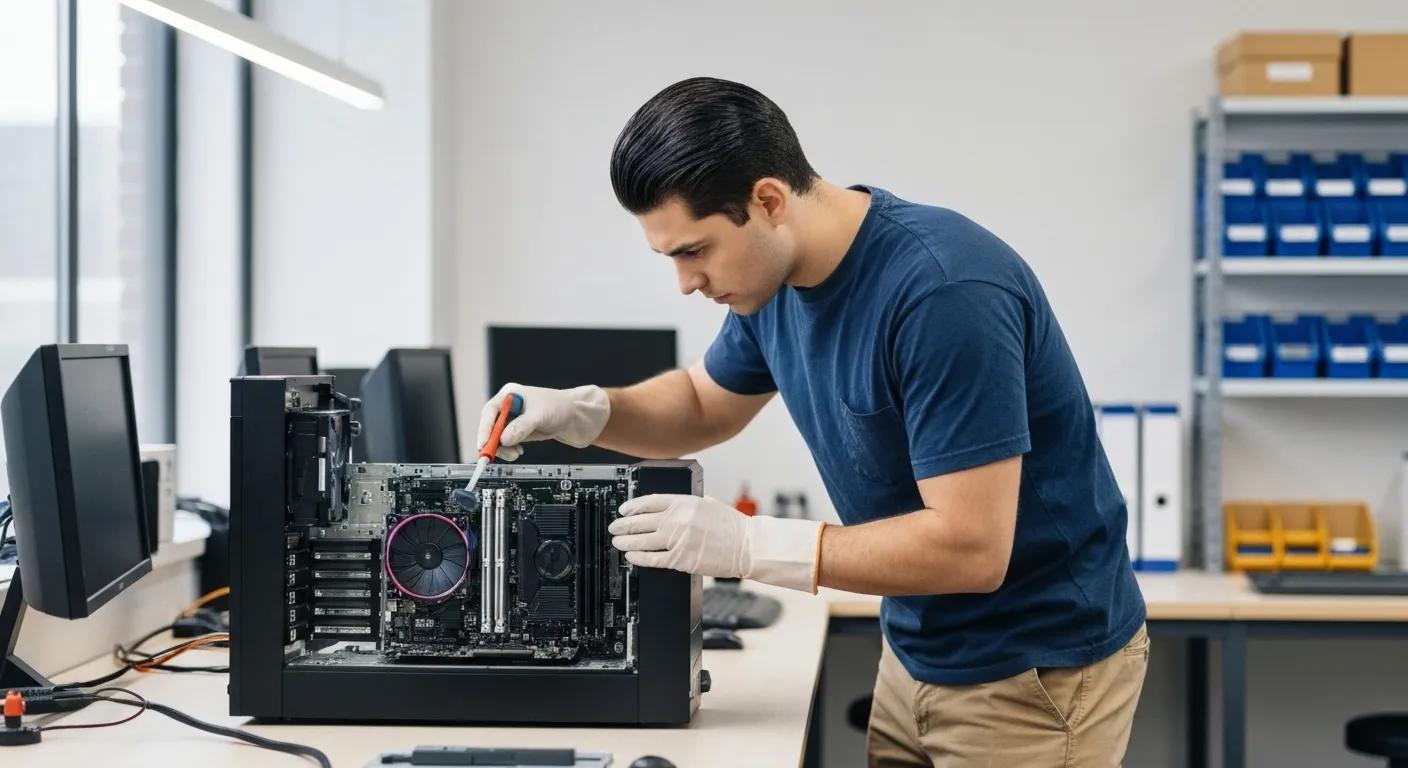
Keep Your System Clean: Top-Notch Computer Virus Removal in Griffith
Cybercrime is a real concern across Australia, meaning local computers and devices are constantly under threat. If you’re in Griffith, you need reliable, affordable virus removal to get your speed back, secure your data, and stop infections from returning. This guide covers the tell-tale signs of a virus, dives into ransomware, spyware, adware, and Trojan threats, and explains why professional removal is the best approach. You’ll discover our straightforward cleaning process, learn essential cybersecurity tips to keep threats at bay, and find out how to connect with your local virus removal specialists.
Spotting the Signs: Is Your Computer or Device Infected?
A computer virus is essentially harmful software designed to sneak into your files and system processes, leading to sluggish performance, data loss, and security breaches. Catching the symptoms early can prevent serious damage and speed up recovery. For instance, if your family’s laptop is struggling with basic tasks, it’s a strong indicator of underlying malware activity.
When your devices start acting strangely – running much slower, displaying unexpected pop-ups, or making files disappear – it’s time for immediate action. Here are the key warning signs to keep an eye out for:
- Noticeably slower performance during everyday tasks.
- Unwanted pop-up ads and unexpected redirects when browsing.
- The appearance of strange new files or changes to existing file names.
- Frequent system crashes or those dreaded blue screen errors.
If you notice any of these symptoms, it’s a clear sign that malware is active on your system and needs a professional clean-up to prevent data loss and further system damage.
Why Does a Slow Computer Mean a Virus?
Sluggish performance is often caused by hidden processes running in the background without your knowledge. Malware can hog your CPU and memory resources, slowing down everything from opening applications to completing system tasks. Imagine a hidden cryptocurrency miner running alongside your usual software – it’s a recipe for lag and unresponsive programs.
How Malware Messes with Your System’s Speed
Malware can seriously cripple your computer’s performance by consuming valuable CPU power and memory. This results in slower application loading times and a generally less responsive system. Hidden processes, like those used for cryptocurrency mining, can run unseen in the background, causing noticeable lag and potentially increasing the risk of overheating and premature hardware wear.
These background operations don’t just ruin your user experience; they also put extra strain on your hardware, increasing the risk of overheating and wear. Getting a professional clean-up is essential to get your system back to normal.
Pop-Ups and Redirects: Your Malware Alarm Bells
When you encounter persistent pop-ups or find yourself redirected to unexpected websites, it’s usually a sign of adware or browser-hijacking software interfering with your online sessions. These intrusive ads often lead to dangerous sites or phishing scams. A single click can open the door to more infections or data theft, so removing the culprit malware is key to keeping your browser stable and your online activity safe.
Other Red Flags: Strange Files and System Crashes Explained
If malware starts messing with your system files or creating suspicious executable files, you might notice unfamiliar folders or see file extensions changing without your input. System crashes, blue screens, or unexpected restarts can be caused by corrupted drivers or infections deep within the operating system’s core. Tackling these anomalies quickly is crucial to preventing permanent damage to your system’s essential components.
The Malware Menace: What’s Threatening Griffith’s Devices?
Malicious software comes in many disguises, each designed to exploit different weaknesses in your system. Understanding these threats helps explain why specific removal methods are necessary. For example, ransomware locks up your files with encryption and demands payment, while spyware secretly collects your personal information.
- Ransomware
- Spyware
- Adware
- Trojans
Knowing the exact type of malware is vital for both effective removal and planning your future defence strategies.
Ransomware: When Your Files Are Held Hostage
Ransomware encrypts your important documents, photos, and system files, making them completely inaccessible until you pay a ransom. This type of attack can bring business operations to a grinding halt and lead to significant financial losses.
Ransomware and the Threat of Data Encryption
Ransomware encrypts your files, rendering them unusable until a ransom is paid. This can cripple business operations and result in substantial financial losses. Often, specialised tools are needed to decrypt or restore files without giving in to criminals, ensuring your data remains intact and your business keeps running smoothly.
Professional tools can decrypt or restore your files without rewarding cybercriminals, safeguarding your data’s integrity and ensuring your business continuity.
Spyware: Your Privacy Under Attack
Spyware operates in the shadows, secretly tracking your online activities. It can capture your keystrokes, monitor your browsing history, and steal login credentials. This invasion of privacy can lead to identity theft and fraudulent financial transactions. Effective spyware removal requires in-depth system scans and meticulous registry cleanup to eliminate all hidden tracking components.
Adware and Trojans: Double Trouble for Your System
Adware bombards you with unwanted advertisements and can redirect your searches to malicious websites. Trojans, on the other hand, disguise themselves as legitimate applications but secretly carry harmful payloads. Both can degrade your system’s performance and create backdoors for other malware to enter. Removing them restores your system’s integrity and prevents unauthorised access.
How Malware Types Differ in Impact and Removal
Each type of malware requires specialised techniques for complete removal and system restoration.
Comprehensive Virus Removal for Griffith Devices
Professional virus removal services leverage cutting-edge forensic tools and expert knowledge to completely eliminate infections and safeguard your data. Unlike basic DIY tools, our expert technicians can detect sophisticated threats like rootkits, repair damaged files, and secure your system configurations, preventing reinfection and hidden dangers.
The Value of Expert Virus Removal
Professional virus removal services employ advanced forensic tools and deep expertise to eradicate infections thoroughly and protect your data. Unlike standard DIY tools, our technicians are adept at identifying rootkits, repairing corrupted files, and fortifying system configurations, effectively preventing reinfection and the persistence of hidden threats.
Choosing professional cleaning means less downtime, better protection for your sensitive information, and a healthier, more reliable system in the long run.
The Pitfalls of DIY Virus Removal
DIY methods often rely on generic antivirus scans that might miss deeply embedded threats or even damage system files during the removal process. Incomplete cleanups can leave behind residual malware components, allowing infections to resurface. Without expert guidance, users also risk accidentally deleting important data or causing irreversible damage to their system’s registry.
How We Guarantee a Thorough and Safe Clean
We combine leading malware scanners with meticulous manual inspection and registry repair. Our technicians isolate infected machines, conduct controlled scans, remove malicious files, and rigorously verify system integrity. This comprehensive process restores stability and prevents data loss.
Preventing Future Infections and Data Loss with Professional Service
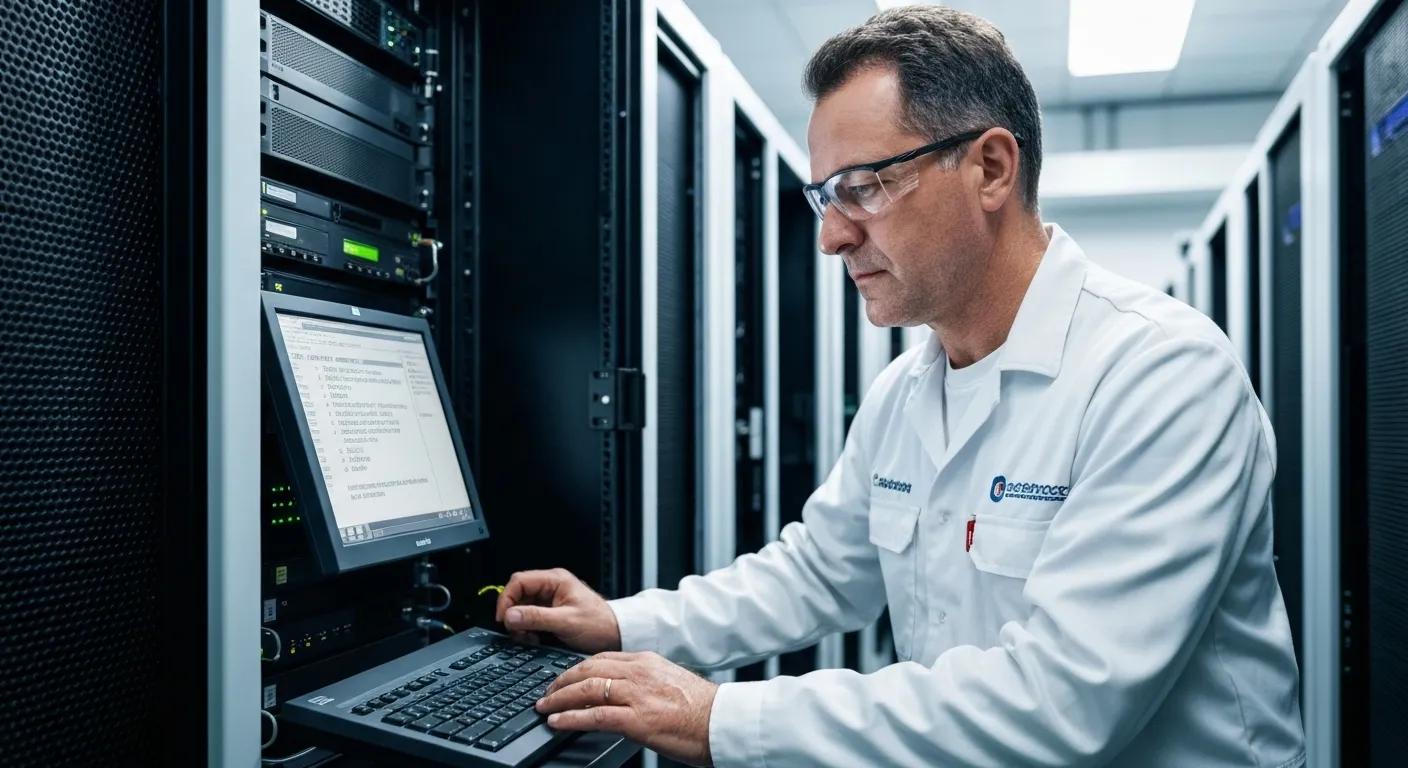
By applying crucial security patches, reinstalling compromised system components, and configuring robust antivirus solutions, professional cleaning effectively hardens your device against future attacks. Our technicians also provide recommendations for regular backups and safe browsing habits to strengthen your long-term digital defence.
Our Complete Virus Cleaning Process in Griffith
We follow a structured four-step cleaning process designed for thorough malware removal, system optimisation, and future prevention guidance. This systematic approach ensures your device is returned to peak performance with minimal disruption.
- Diagnosis and Isolation – We pinpoint infection sources and immediately disconnect the device from networks to prevent further spread.
- Complete Removal – Using specialised tools, we eliminate all malware, including deeply hidden rootkits.
- System Optimisation – We repair registry entries, update drivers, and enhance startup speeds for optimal performance.
- Preventative Measures – We install and configure antivirus software, set up firewalls, and share best-practice tips for ongoing security.
This comprehensive process not only cleans your computer but also strengthens its defences against future threats, keeping your data and privacy secure.
How We Diagnose and Isolate Virus Infections
Our technicians start with a complete system scan using enterprise-grade malware detection and forensic tools. Once threats are identified, we disconnect the device from the network to stop the spread and prevent data exfiltration. This controlled environment ensures a safe and effective removal process.
Our Techniques for Complete Virus and Malware Removal
We employ advanced heuristics-based scanners, manual registry cleanup, and file-integrity checks to uncover and eliminate even the most deeply concealed malware. For severe infections, we can perform a secure operating system reinstallation to restore core functionality without any lingering threats.
Optimising Your System and Restoring Speed
After successfully removing malware, we meticulously repair corrupted registry keys, defragment drives, and update essential software components. By optimising startup items and applying fine-tuned performance tweaks, we can recover lost speed and deliver a smooth, responsive computing experience.
Our Recommended Preventive Measures Post-Cleaning
We configure real-time antivirus protection, ensure automatic software updates are enabled, and set up regular data backups. Our technicians will also guide you through safe browsing practices and recommend effective email-filtering settings to significantly reduce the risk of future infections.
Fortifying Your Computer Against Future Virus Attacks
Maintaining robust security requires a multi-layered defence strategy. This includes keeping your antivirus software up-to-date, adopting secure browsing habits, and ensuring you have reliable data backups. This comprehensive approach minimises vulnerabilities and ensures you can recover quickly if an infection does occur.
- Always install and regularly update reputable antivirus software.
- Maintain a schedule for backing up your data to local drives or cloud services.
- Practice safe browsing by avoiding suspicious links and downloads.
Why Keeping Antivirus Software Updated is Vital
Antivirus programs are designed to detect and block emerging threats by comparing files against known malware signatures and behavioural patterns. Regular updates are crucial as they ensure your system is protected against the latest exploits and zero-day vulnerabilities, providing round-the-clock defence.
How Backups and Safe Browsing Boost Your Security
Frequent data backups allow you to restore clean versions of your files if you fall victim to ransomware or experience data corruption. Practising safe browsing—which means avoiding unknown websites and carefully verifying email senders—helps prevent accidental malware downloads, further strengthening your overall security posture.
Essential Cybersecurity Practices for Griffith Small Businesses
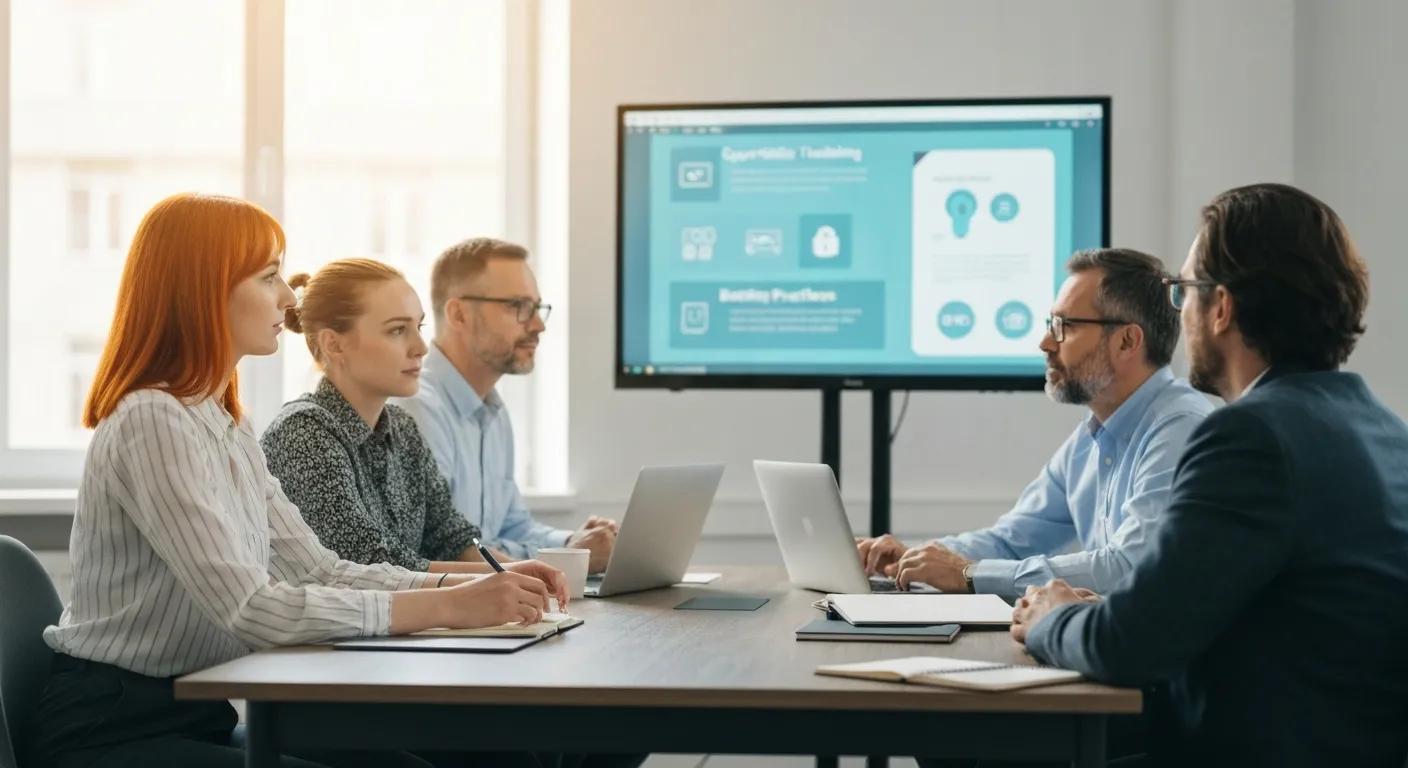
Small businesses should implement strong password policies, promptly apply critical software patches, and educate employees on recognising phishing attempts. Establishing network segmentation and conducting regular vulnerability assessments are also key steps to reducing the attack surface for cybercriminals.
The Power of Multi-Factor Authentication (MFA)
Multi-factor authentication (MFA) adds an extra layer of security by requiring more than just a password for verification—think a one-time code or a biometric scan. This additional step significantly hinders unauthorised access, even if your login credentials have been compromised, thereby protecting your sensitive business data.
Affordable Virus Cleaning Services in Griffith
We offer competitive pricing that’s tailored to the severity of the infection, the type of device, and the level of service required. Our transparent cost estimates mean you’ll know exactly what to expect before any work begins.
This clear breakdown allows you to select the most suitable package for your needs without any unexpected charges.
How We Calculate Virus Removal Costs
Our pricing is determined by evaluating the detected threats, the device’s specifications, and the estimated cleanup time. A technician will provide a detailed quote that clearly outlines each service component and its associated price, ensuring complete transparency.
Affordable Options for Home Users and Small Businesses
Absolutely! We provide tiered packages that bundle virus removal with system tune-ups, data backup setup, and basic cybersecurity consultations. These packages offer exceptional value for both individual home users and small enterprises.
Getting Your Personalised Virus Cleaning Quote
Reach out to us by phone, email, or through our online form to describe the issues you’re experiencing with your device. A technician will assess your situation and provide a personalised estimate, allowing you to plan your budget and schedule service promptly.
Connect with Us for Dependable Virus Cleaning in Griffith
We’re conveniently located in Griffith Central, offering easy walk-in service, remote support, and on-site visits. Our friendly team is ready to get your devices back in working order and answer any questions you have about virus removal and proactive cybersecurity.
- Store Address: Shop 29A, Griffith Central, 10–12 Yambil St, Griffith NSW 2680
- Phone: 02 6962 2447
- Hours: Mon–Fri 9 am–5 pm, Sat 9 am–1 pm
For walk-in service, feel free to drop by during our operating hours. To arrange remote or on-site support, please give us a call or visit Bizup: Expert Computer, Phone & Tablet Repair Services.
Our Location, Hours, and Contact Information
Our central Griffith location provides easy access for all your tech needs. With extended support hours and remote assistance options, we ensure you receive help exactly when you need it, minimising downtime for your home or business.
Booking Walk-In or Remote Virus Removal Support
Booking is simple: just call our store number or use the online booking form on our website to secure a convenient service appointment. Remote sessions begin with a secure connection to your device, enabling live malware removal from anywhere across Australia.
Where to Find Customer Reviews and Success Stories
Head over to the testimonials section on our website to read genuine accounts from Griffith residents and businesses who have successfully overcome ransomware attacks, spyware breaches, and performance issues with our help. These stories showcase our dedication to reliability and building local trust.